
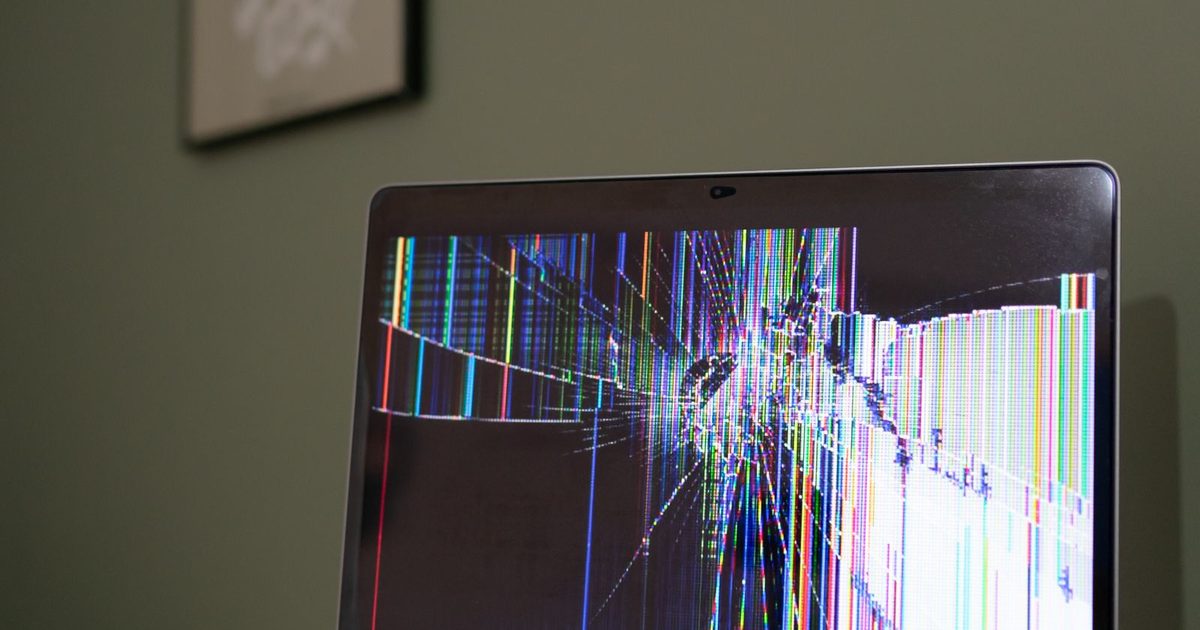
A cup of coffee tips over during a meeting. A water bottle leaks in a bag on the drive home. A window is left open during a rainstorm. Liquid and laptops do not mix, and the first reaction is often to check whether the laptop still works.
That is exactly the wrong move. Liquid damage gets worse while the machine has power, and the decisions you make in the first few minutes matter most for both the laptop and the files on it.
The first five minutes
- Cut the power. If the laptop is on, hold the power button until it shuts off. Do not wait to save your work.
- Unplug everything. Remove the charger, docking station, USB drives and any other cables.
- Remove the battery if you can. Most modern laptops have built-in batteries, so skip this step if it means opening the case.
- Tip out the liquid. Open the lid as far as it safely goes and turn the laptop upside down in a tent shape, keyboard facing down, on a towel.
- Blot, do not wipe. Gently dab visible liquid with a lint-free cloth. Wiping can push it further into the keyboard.
What not to do
- Do not turn it on to test it. Electricity running through wet circuits causes short circuits and can destroy parts that would otherwise have survived.
- Do not use rice. Putting a laptop in a bag of rice does little to dry the inside and can leave dust and starch in ports and fans. It also wastes time that could be spent getting it to a technician.
- Do not use a hair dryer or heater. Heat can warp parts and push liquid deeper. A cool fan blowing across the laptop is fine.
- Do not shake it hard. That spreads liquid across more of the board.
- Do not plug in the charger just to see if the charging light comes on.
Why the type of liquid matters
Plain water is the least harmful, but it still carries minerals that conduct electricity and cause corrosion over time. Coffee, soda, juice and anything with sugar or milk leave sticky residue that keeps conducting and corroding even after it looks dry. Salt water is the worst case.
This is why a laptop that seems to work after drying can fail days or weeks later. Corrosion keeps working quietly on the board. If anything other than clean water was spilled, the laptop should be opened and cleaned by a technician even if it seems fine.
Protecting the data
For most businesses, the laptop itself is replaceable. The files and accounts on it are what matter. Once the immediate danger is handled, think about the data.
- Check what was stored only on that laptop. Files in OneDrive, SharePoint or another cloud service should still be available from another device.
- Check when the laptop was last backed up, if it is covered by your backup system.
- If important files lived only on the local drive, tell the technician before any repair work starts. Data recovery should come before repairs that might reset or replace the drive.
- Find the BitLocker or FileVault recovery key. If the drive is encrypted, it may be needed to read the data from another machine.
The storage drive often survives a spill even when the rest of the laptop does not. In many cases a technician can remove the drive and copy the data off. When the drive is soldered to the board, as in many thin laptops, recovery is more complex and should be handled by specialists.
Getting the user working again
- Set the person up on a spare or loaner laptop so they can keep working from cloud files.
- Sign them in to Microsoft 365 and other apps on the replacement, and confirm multi-factor authentication still works if their phone was also affected.
- If the damaged laptop will not be repaired, have it wiped or destroyed properly. Our guide to old computer disposal and data wiping explains how.
- Check whether the laptop is covered by an accidental damage warranty before paying for repairs.
Prevention is cheaper than recovery
Keep company files in cloud storage that syncs, back up laptops that hold local data, and keep one or two spare laptops ready to go. Lidded cups at desks and in meeting rooms help too. These small habits turn a spill into a short interruption instead of a lost week.
Getting help
If a laptop has been through a spill and holds data you cannot lose, power it off and contact us before trying to dry or repair it. Creative IT USA offers data recovery and IT support to businesses across Los Angeles County, the Inland Empire and Ventura County.