
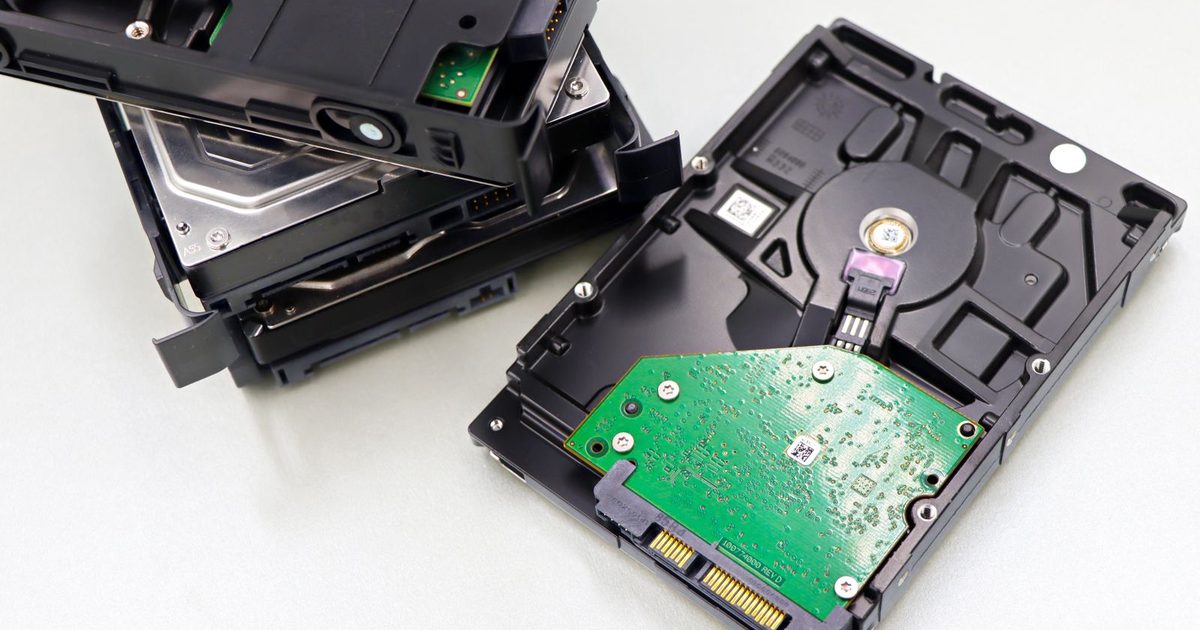
You turn on a computer or plug in an external drive and hear it: a steady click, click, click, sometimes followed by a whir and silence. The drive does not show up, or it shows up and then freezes. If the files on it matter, what you do in the next few minutes can decide whether they come back.
Here is what that sound usually means, what to do right away, and what to avoid.
What the clicking usually means
A traditional hard drive stores data on spinning platters. Tiny read/write heads float a hair's width above the surface on a moving arm. When the drive powers on, the heads try to find special tracks that tell the drive how to read itself.
A repeating click is often the arm swinging back and forth because the heads cannot read those tracks. Common causes include:
- Failed or damaged read/write heads, often after a drop or bump, or simply from wear.
- Damage to the platter surface, sometimes caused by a head touching it.
- A motor that cannot spin up properly, which can sound like a click or buzz.
- Firmware or electronics problems, which can make a healthy mechanism behave as if it is failing.
- Not enough power, especially with external drives on a weak USB port or the wrong power adapter.
Only the last one is something you can rule out safely yourself. The others are physical faults, and they tend to get worse each time the drive spins.
What to do right away
- Power it off. Shut down the computer or unplug the external drive. Every minute of clicking can add damage to the platters.
- Do not keep retrying. Restarting again and again to see if it works this time is one of the most common ways recoverable data becomes unrecoverable.
- Check the power once. For an external drive, try the original power adapter or a different port and cable one time. If it still clicks, stop.
- Write down what happened. Was it dropped? Did it get warm, wet or go through a power outage? This helps a recovery lab.
- Check your backups. If you have a recent, tested backup, you may not need recovery at all.
- If the data is not backed up, call a professional before trying anything else.
What not to do
The internet is full of tricks for clicking drives. Most of them do more harm than good:
- Do not put it in the freezer. This old trick causes condensation on the platters and can make damage worse.
- Do not open the drive. The inside must stay free of dust. A single particle can scratch the platters once they spin. Recovery labs open drives only in clean-room conditions.
- Do not tap, shake or hit it. This can push damaged heads into the platters.
- Do not run disk repair or recovery software on a drive making mechanical noises. Those tools work the drive hard and can finish off weak heads.
- Do not swap the circuit board from another drive. Modern boards hold drive-specific data, so a swap rarely works and can cause more trouble.
How professional recovery works
A recovery lab starts by diagnosing the fault without further stressing the drive. If heads have failed, technicians replace them with matched parts in a clean environment, then use specialized equipment to make a careful copy of the platters. Data is recovered from that copy, not from the original drive.
The chance of success depends on how much damage occurred, which is why powering off early matters so much. A reputable lab should give you a diagnosis and a quote before doing the work.
Preventing the next one
- Keep important data in at least two places, one of them off-site or in the cloud.
- Test restores regularly. Our guide on how to test your backups with a restore drill walks through it.
- Replace aging drives on a schedule instead of waiting for them to fail.
- Handle external drives gently and never move them while they are running.
- Use a battery backup for desktops and storage devices to protect against outages and surges.
Getting help
If your drive is clicking and the data matters, power it off and contact us. Our hard drive and SSD recovery service handles failed drives from businesses and individuals, and our backup and disaster recovery team can help make sure it does not happen again. We serve Los Angeles County, the Inland Empire and Ventura County.